Fix
Cardo Packtalk problems and fixes
Published
Short answer
Most Cardo Packtalk problems are fixed in the same order: charge the unit, update the firmware on every unit in the group, delete and redo the pairing, then try a factory reset. Low volume is usually speaker placement, so move the speakers directly over your ear canals. A mic nobody can hear is usually mic position or a loose connector. Charging faults often come down to the cable, charger or a dirty port.
Gear for this job
All 6 picks compared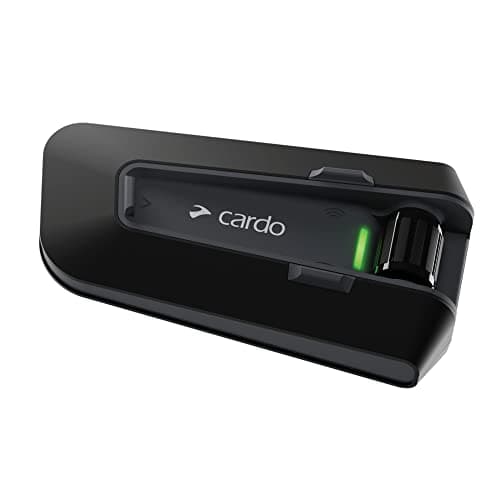
Cardo Packtalk Neo: 15 riders, up to 1 mile, lower price
See price on AmazonSee it on Amazon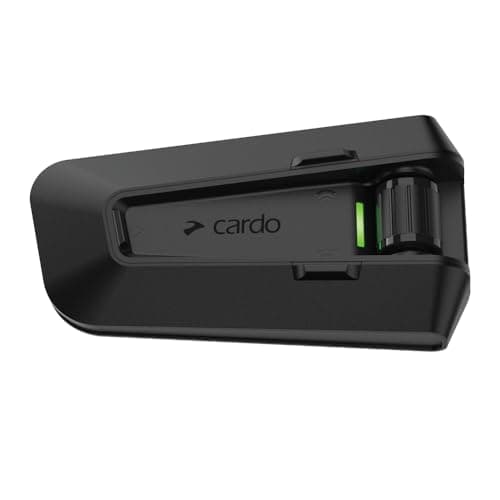
Cardo Packtalk Pro: crash detection, 45mm JBL speakers
See price on AmazonSee it on Amazon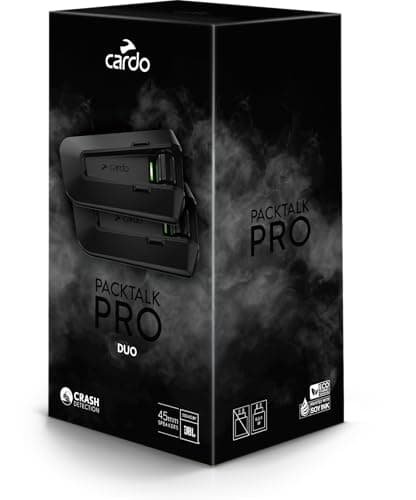
Cardo Packtalk Pro Dual Pack: two units for rider and pillion
See price on AmazonSee it on Amazon
The Cardo Packtalk range is popular because mesh grouping is quick and reliable, but like any electronics bolted to a helmet, things go wrong: a rider drops out of the group, music cuts out, the volume is too low at highway speed, friends say you sound muffled, or the unit will not charge. This page lists the common Packtalk problems for the Edge, Pro and Neo, with fixes in the order that solves most cases fastest. Where a button sequence or reset method differs by model, we point you to your manual rather than guess. For setup from scratch, see how to pair a Cardo Packtalk.
Quick fixes that solve most problems
Before working through a specific problem, run these general steps. Many issues, especially in groups, come from mismatched firmware or a stale pairing. Updating every unit in the group to the same firmware is one of the most effective fixes. See how to update a Cardo Packtalk.
- 1
Charge the unit fully and turn it off and on again.
- 2
Update the firmware using the Cardo Connect app or Cardo's update tool, and ask every rider in your group to do the same.
- 3
Delete the Packtalk from your phone's Bluetooth list and pair again.
- 4
Check the unit is seated firmly on its mount and the contacts are clean.
- 5
If problems remain, do a factory reset as described in your model's manual, then pair again from scratch.
Note.A factory reset clears all pairings and group settings. Note your settings first and re-create the group with everyone present.
Common problems at a glance
Use this table to jump to the likely cause. Details for each follow below.
Rider drops out of the mesh group
- Common causes
- Firmware mismatch, terrain, distance, group settings
- Try first
- Update all units, re-create group
Phone keeps disconnecting
- Common causes
- Stale pairing, phone battery saving, second device
- Try first
- Delete pairing, re-pair, check phone settings
Volume too low
- Common causes
- Speakers not over ears, helmet noise, settings
- Try first
- Reposition speakers, check audio settings
Others cannot hear you
- Common causes
- Mic position, foam missing, loose connector
- Try first
- Move mic close to mouth, reseat connector
Unit will not charge
- Common causes
- Cable, charger, dirty port, cold
- Try first
- Try another cable and charger, clean port
Unit will not turn on
- Common causes
- Flat battery, frozen firmware
- Try first
- Charge, then reset per manual
| Problem | Common causes | Try first |
|---|---|---|
| Rider drops out of the mesh group | Firmware mismatch, terrain, distance, group settings | Update all units, re-create group |
| Phone keeps disconnecting | Stale pairing, phone battery saving, second device | Delete pairing, re-pair, check phone settings |
| Volume too low | Speakers not over ears, helmet noise, settings | Reposition speakers, check audio settings |
| Others cannot hear you | Mic position, foam missing, loose connector | Move mic close to mouth, reseat connector |
| Unit will not charge | Cable, charger, dirty port, cold | Try another cable and charger, clean port |
| Unit will not turn on | Flat battery, frozen firmware | Charge, then reset per manual |
Pairing and mesh connection drops
DMC mesh is designed to keep riders connected as they change positions, but every rider still needs to be within range of at least one other unit in the group. Hills, buildings and long gaps in a group spread out on a highway can push riders out of range. Cardo lists the Packtalk Neo at up to about 1 mile between riders; real range is usually lower in hilly or built-up areas. Read how mesh intercoms work for why.
If one rider keeps dropping even when close to the group, the most common causes are older firmware on that unit or a group that was set up with mismatched settings. Update every unit to the same firmware, then have one rider create a fresh group with everyone standing together.
For phone disconnects, check whether your phone has battery saving or Bluetooth power management that cuts connections. Also check whether another device, such as a second phone or a GPS, is grabbing the same connection slot.
- 1
Update all units in the group to the same firmware.
- 2
Delete old groups and create a new one with everyone present.
- 3
Ride with smaller gaps between riders to test if range is the issue.
- 4
On your phone, remove the Packtalk from Bluetooth, restart the phone, and pair again.
- 5
Turn off battery optimization for the Cardo Connect app if your phone uses it.
Low volume or poor sound
Speaker position matters more than any setting. Speakers should sit directly over your ear canals, as close to the ear as possible without pressing painfully. Even a small offset can make the audio sound much quieter at speed. Many helmets have speaker pockets in the EPS; use them, and add the spacers Cardo supplies if the speakers sit too far from your ears.
Wind noise is the other big factor. A loud helmet forces you to turn the volume up until audio distorts. A quieter helmet, a chin curtain or neck roll, and properly fitted earplugs can make the intercom easier to hear. See motorcycle helmet wind noise and our quiet helmet guide.
Finally, check the Cardo Connect app for audio settings, including audio profile and automatic volume adjustment, and make sure your phone's media volume is turned up.
- Speakers centered over the ear canal, not on the cheek or behind the ear.
- Use spacers to bring speakers closer if there is a gap.
- Check helmet speaker pockets are the right depth for the speaker.
- Set phone media volume high and control volume from the unit.
- Consider a quieter helmet if you ride at highway speeds.
Microphone problems: others cannot hear you
If other riders hear you faintly or hear mostly wind, start with the mic position. On a full face helmet with a corded or boom mic, the mic should sit close to your mouth with the foam cover fitted. On an open face helmet, a boom mic should point at your mouth from close range. The wind sock on the mic is important; without it, wind noise drowns your voice.
If your voice cuts in and out, check the mic connector where it plugs into the clamp or audio kit, and look for a pinched cable. Swap to the alternative mic supplied in the box to rule out a damaged mic. For open face and half helmets, see intercoms for open face and half helmets.
Charging faults and battery life
When a unit will not charge, try a different cable and a different charger before anything else. A damaged cable is a frequent cause. Check the charging port for dirt, moisture or corrosion, and let it dry if it has been in the rain. Clean contacts gently with a dry brush.
Lithium batteries charge poorly when very cold. Bring the unit indoors to room temperature before charging. If the unit charges but runs flat much faster than it used to, the battery may be aging, especially after several seasons of heavy use. Contact Cardo support about battery service under your warranty rather than opening the unit yourself.
Note.Do not open the unit or try to replace the battery yourself. This can damage the waterproof seals and void the warranty.
When to contact Cardo or replace the unit
If a unit still fails after a firmware update, re-pairing and a factory reset, contact Cardo support with your model and serial number. Hardware faults such as a dead speaker, cracked case or failed battery are better handled under warranty.
If your unit is an older model and you are thinking of upgrading, compare current options in our motorcycle intercom guide, or see Packtalk Edge vs Pro for the differences between Cardo's top models.
Frequently asked questions
Why does my Cardo Packtalk keep disconnecting from the group? The most common causes are firmware differences between units, riders spreading out beyond range, or a group set up incorrectly. Update every unit and re-create the group together.
How do I reset a Cardo Packtalk? The factory reset method depends on the model and is listed in its manual. A reset clears pairings, so you will need to pair your phone and rejoin groups afterward.
Why is my Cardo so quiet? Usually because the speakers are not directly over your ears or the helmet is very noisy. Reposition the speakers, use spacers, and check your audio settings in the app.
Can I use my Packtalk while it charges? Check your model's manual. Charging on the bike exposes the port to weather, so make sure the cover is closed when riding in rain.
What you need for this
- See price on AmazonAmazon
Cardo Packtalk Neo: mesh for up to 15 riders
From Best Cardo Packtalk intercoms: Pro, Edge, Neo and Outdoor
 See price on AmazonAmazon
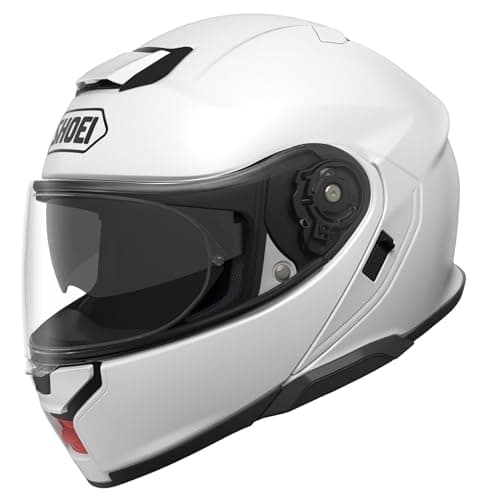
Shoei Neotec 3: modular that reduces wind noise
From Quietest motorcycle helmets for touring, by listed noise features